SEOBegin
SEO audit suite
Start audit
Security

Google Malware Checker

Check HTTPS, headers, mixed-content risk, and blacklist-readiness recommendations for SEO safety.

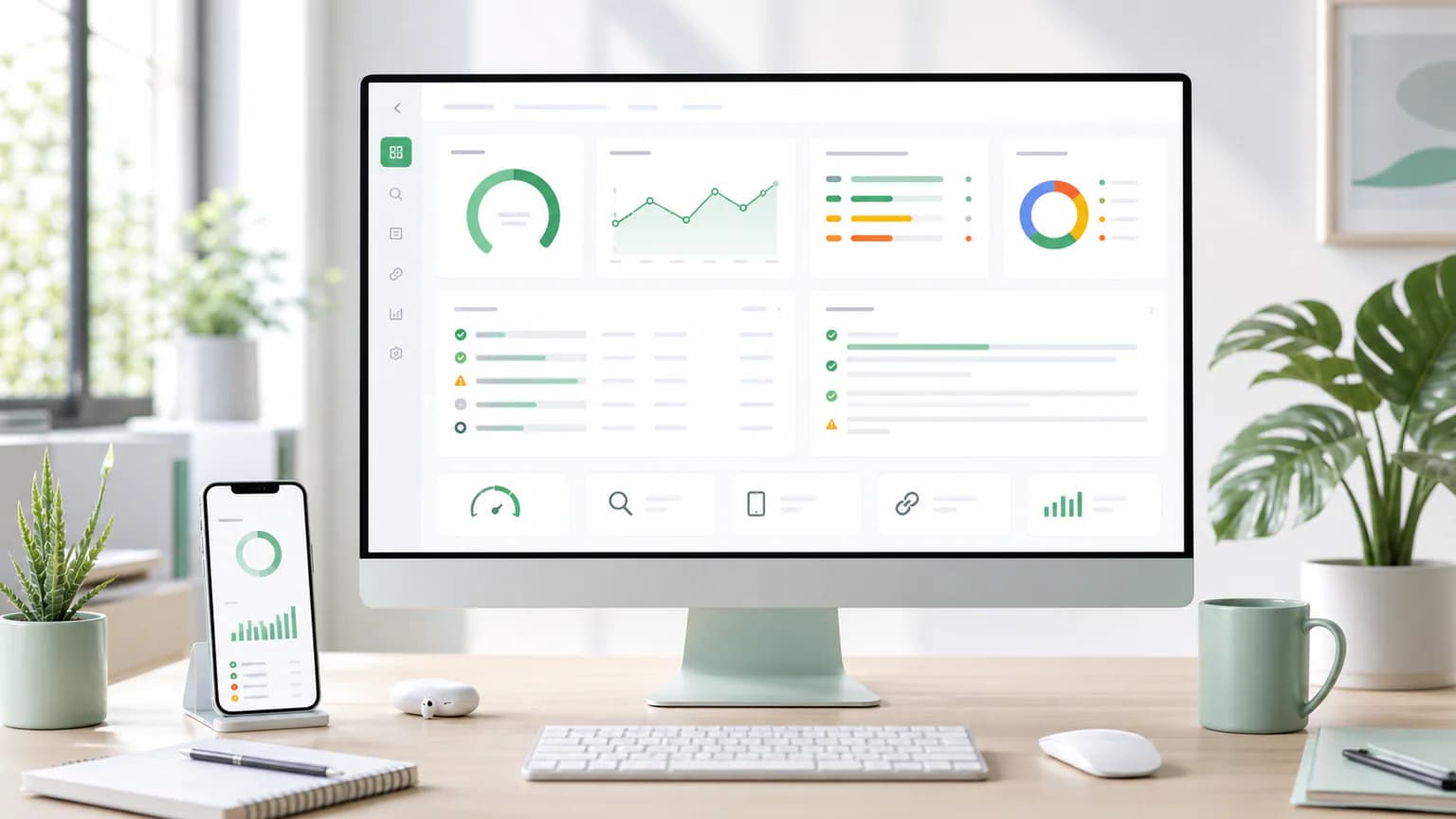
Google Malware Checker report workspace with SEO checks and recommendations
Review security signals that can affect trust, crawling, and search visibility.

What this checker analyzes

https
security headers
mixed content
safe browsing
blacklist monitoring
Security workflow
Page quality

Why google malware checker matters

Google Malware Checker helps turn a page review into a practical action plan. Instead of guessing what might be holding a URL back, the checker looks for signals that affect crawlability, snippets, clarity, trust, and the way search engines understand the page.

Find issues that can reduce clicks, visibility, or page quality.
Separate urgent fixes from nice-to-have improvements.
Review the page from a search, user, and conversion perspective.
Professional workflow

What a stronger page usually includes

A high-performing page rarely wins because of one isolated element. The best results usually come from clean technical foundations, helpful content, clear page structure, accessible media, internal links, and a search snippet that matches the visitor's intent.

https reviewed as part of the page improvement workflow.
security headers reviewed as part of the page improvement workflow.
mixed content reviewed as part of the page improvement workflow.
safe browsing reviewed as part of the page improvement workflow.
Prioritization

How to use the report

Start with critical and high-priority items, then move through warnings that improve snippet quality, topical clarity, and user experience. Treat every recommendation as a small improvement that compounds when applied across important pages.

Fix blocked crawling, missing metadata, thin content, and broken page signals first.
Use the evidence field to understand why each issue was flagged.
Re-run the checker after updates to confirm the page is moving in the right direction.

Google Malware Checker use cases

Best use cases

When to use Google Malware Checker

Google Malware Checker is useful for marketers, founders, agencies, developers, and site owners. It is especially helpful when a page has unclear page quality, missing SEO basics, thin content, weak snippets, and unprioritized fixes, or when you need a fast way to explain what should be fixed next.

Review title and description quality before publishing or refreshing an important page.
Review heading structure before publishing or refreshing an important page.
Review content depth and internal links before publishing or refreshing an important page.
Business impact

Turn checks into visible improvements

The goal is not just to collect warnings. The goal is to improve clearer pages, stronger search snippets, cleaner technical foundations, and faster SEO decisions so search visitors understand the page faster and teams know exactly what to change.

Use the report to brief writers, developers, clients, or stakeholders.
Group repeated findings into template-level improvements.
Keep the URL in a refresh queue until the priority issues are fixed.

AI recommendations

Get plain-English fixes, meta description suggestions, content gaps, schema ideas, and priority scoring when AI assistance is enabled for this workflow.

When to run it

Use this checker before publishing, after template changes, during content refreshes, and whenever an important page needs a clearer path from audit to fix.

Related SEO pages

Next step

Run the Google Malware Checker now

Check a live URL, review the priority fixes, and turn security issues into a clear action plan.

Start free check

Frequently asked questions

Is Google Malware Checker free to use?

Yes. You can run a free first-pass check and use the recommendations to improve a page before deciding whether you need deeper saved reporting.

What does Google Malware Checker look for?

Check HTTPS, headers, mixed-content risk, and blacklist-readiness recommendations for SEO safety. It focuses on practical signals that affect search visibility, snippet quality, page clarity, and user experience.

Can I use this for client reports?

Yes. The output is written in plain language so marketers, founders, developers, and clients can understand what was found and what should happen next.