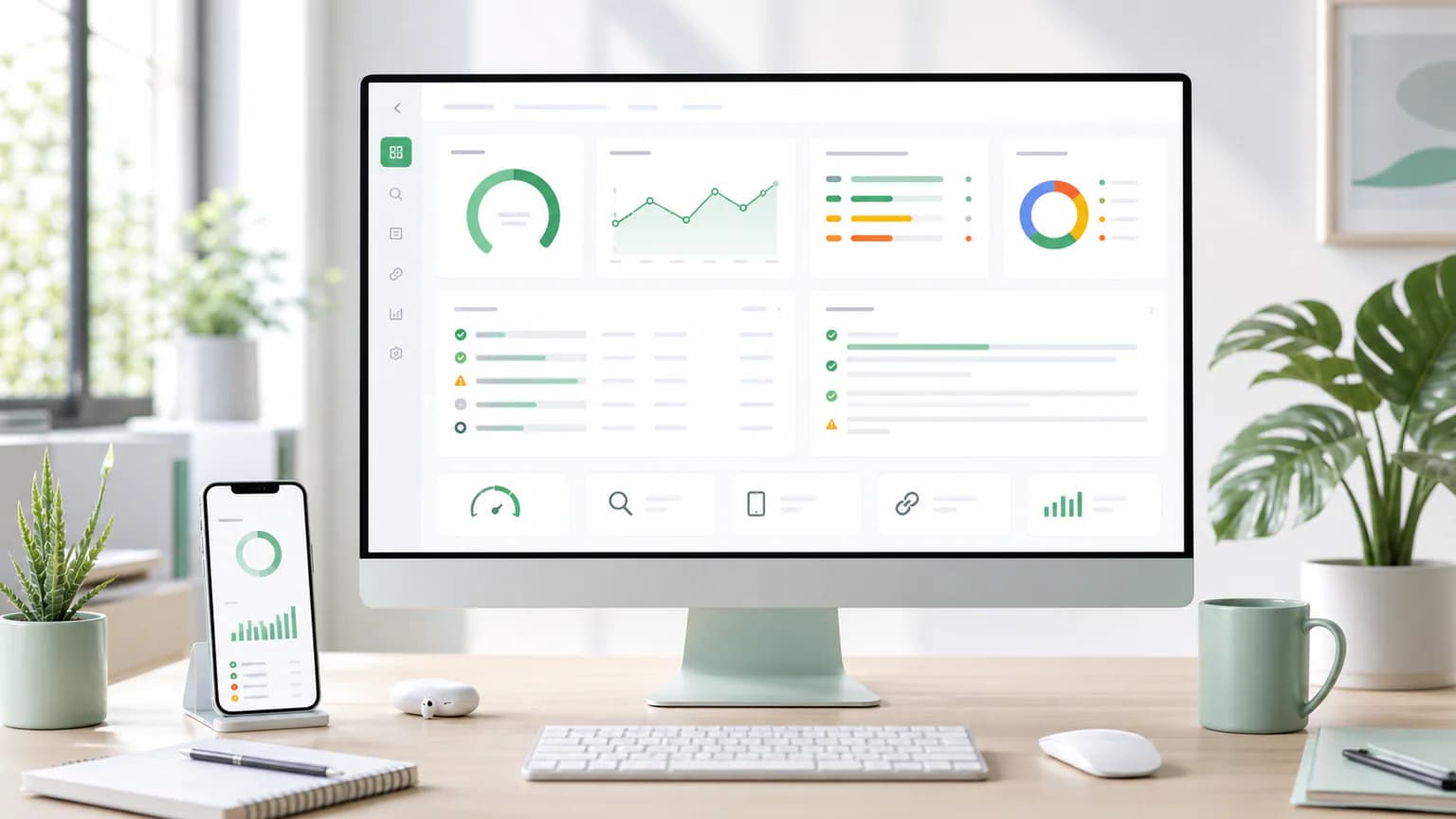
How to use free seo tools effectively
Browse practical SEO tools for audits, metadata, technical checks, local visibility, backlinks, schema, performance, content optimization, and AI-assisted workflows.
Run practical SEO checks for technical issues, rankings, backlinks, schema, performance, local visibility, content, and AI-assisted optimization.

Browse practical SEO tools for audits, metadata, technical checks, local visibility, backlinks, schema, performance, content optimization, and AI-assisted workflows.
A tool directory is most valuable when it becomes part of a weekly improvement cycle. Check important URLs, fix the highest-impact findings, re-run the page, and document what changed.
Free SEO Tools help marketers, founders, agencies, developers, and site owners find unclear page quality, missing SEO basics, thin content, weak snippets, and unprioritized fixes without turning every review into a long manual audit.
The best workflow combines technical checks, content checks, schema checks, speed checks, and authority signals so each important page can move toward clearer pages, stronger search snippets, cleaner technical foundations, and faster SEO decisions.
Run a fast SEO audit with scoring, fixes, schema checks, headings, meta tags, links, and AI recommendations.
Paste a URL or schema snippet to detect syntax issues, missing required fields, and rich result opportunities.
Track keyword position history, location-aware rank changes, and competitor URLs for each SERP.
Analyze backlinks and authority signals with exportable outreach and cleanup recommendations.
Run a Lighthouse-style speed test and translate Core Web Vitals into prioritized SEO fixes.
Score domain authority using backlink, age, indexability, and content trust signals.
Generate search-focused meta descriptions with length, tone, and click-through controls.
Group keyword lists into practical topic clusters, content priorities, and internal link ideas.
Check local SEO visibility by location, citations, NAP consistency, reviews, and GBP optimization.
Validate SSL expiry, redirect chains, mixed content, HSTS, and search trust signals.
Check whether a page has clean, complete, and search-friendly meta tags.
Inspect Open Graph title, description, image, URL, and type tags before sharing a page.
Check card type, title, description, image, and preview readiness for Twitter/X.
Validate canonical tags, self-references, cross-domain canonicals, and duplicate-page signals.
Check hreflang language codes, return tags, x-default, canonical alignment, and URL validity.
Audit robots.txt directives that can affect crawler access and index discovery.
Check sitemap discovery, URL counts, lastmod signals, status codes, and broken sitemap URLs.
Find redirect hops, loops, HTTP-to-HTTPS issues, and wasted crawl paths.
Inspect response status, headers, content type, redirects, and availability.
Scan page links for 404s, redirect chains, nofollow patterns, and crawl issues.
Check H1 count, section hierarchy, missing headings, and topical coverage signals.
Review visible content for term usage, over-optimization, missing topics, and content balance.
Generate practical content briefs for pages, articles, product pages, and local service pages.
Create concise, click-focused title options matched to a page topic and audience.
Use AI assistance to explain issues, summarize priorities, and create an action plan.
Create structured prompts for audits, keyword grouping, content briefs, FAQs, and SERP analysis.
Check whether a page is structured for clear citations, entities, answers, and topical authority.
Find missing sections, weak headings, thin answers, internal link gaps, and rewrite opportunities.
Create keyword ideas grouped by intent, funnel stage, page type, and topic cluster.
Review keywords for intent, page mapping, topical coverage, and content planning.
Check title and description lengths, truncation risk, and snippet clarity.
Check analytics tags, traffic measurement readiness, and high-level growth signals.
Inspect analytics tags, common tracking snippets, consent patterns, and measurement readiness.
Check response time, page weight, render risk, media weight, and optimization priorities.
Review viewport tags, tap-friendly structure, headings, load signals, and mobile rendering readiness.
Analyze response time, HTML size, caching, redirects, media, and render-blocking risks.
Validate HTTPS usage, redirects, HSTS, mixed-content risk, and security headers.
Check HSTS, CSP, frame protection, content-type protection, referrer policy, and permissions policy.
Review domain-level signals, link profile indicators, indexed content, and trust factors.
Estimate page authority using internal links, backlink signals, indexability, and content depth.
Review authority indicators, backlink signals, and domain-level trust factors.
Analyze incoming links, anchor text patterns, follow/nofollow ratio, and link quality indicators.
Review backlink signals, lost links, referring pages, anchor mix, and competitor link gaps.
Analyze competitors by title, headings, content depth, links, schema, performance, and priorities.
Compare technical setup, content quality, authority signals, performance, and indexability.
Review local pages for NAP, schema, reviews, service area clarity, and map-pack readiness.
Check local landing pages, business profile signals, reviews, proximity cues, and category relevance.
Review GBP completeness, categories, services, reviews, citations, photos, and local landing pages.
Review NAP consistency, citation coverage, duplicate listing risk, and local trust signals.
Check JSON syntax, formatting, JSON-LD blocks, and schema-ready structured data.
Check XML formatting, sitemap structure, required tags, and parsing errors.
Create starter schema for Organization, LocalBusiness, Article, FAQ, Product, Breadcrumb, and WebPage.
Create FAQ schema markup and validate whether the answers are concise and useful.
Create breadcrumb JSON-LD for categories, tools, guides, products, and local pages.
Check product name, image, offers, price, availability, reviews, ratings, and required schema fields.
Review product schema, category content, canonical setup, internal links, speed, and indexability.
Check WordPress titles, descriptions, schema, plugins, speed, indexability, and duplicate archive risks.
Review Shopify product schema, collection pages, canonical tags, speed, image alt text, and duplicate paths.
Create sitemap XML, sitemap index guidance, gzip recommendations, and crawler submission steps.
Create robots.txt rules that protect crawl access, avoid accidental blocking, and reference XML sitemaps.
Create copy-ready SEO meta tags with social previews and CTR-focused recommendations.
Review visible copy for repetition, thin sections, boilerplate risk, and originality improvement opportunities.
Build a white-hat link acquisition plan with citations, outreach angles, broken-link ideas, and linkable assets.
Review link counts, internal/external balance, nofollow patterns, anchor quality, and crawlability priorities.
Check HTTPS, headers, mixed-content risk, and blacklist-readiness recommendations for SEO safety.
Look up domain registration signals, DNS readiness, expiry risk, and brand-protection recommendations.
Check A and AAAA records, nameservers, hosting footprint, and basic CDN readiness.
Create SEO-friendly URL patterns plus Apache and Nginx rewrite examples for common cleanup tasks.
Review modern replacement signals such as organic footprint, authority, traffic readiness, and growth indicators.
Measure visible words, paragraphs, heading balance, reading time, speaking time, and SEO content depth.
Resolve domain IP addresses, nameserver signals, MX readiness, and hosting footprint observations.
Measure server response, HTTP availability, cache hints, and practical performance recommendations.
Create schema markup starters for WebPage, Organization, Article, FAQ, Breadcrumb, Product, and LocalBusiness.
Create hreflang tag examples, x-default guidance, return-tag checks, and canonical alignment recommendations.
Choose a focused checker, run it on an important URL, and move the highest-impact recommendations into your next publishing sprint.
Yes. SEOBegin provides free page checks so you can identify practical SEO improvements quickly.
Start with a broad SEO audit, then use focused tools for metadata, technical SEO, content, schema, links, performance, or local visibility.